How to Make Differentiated ESL Crosswords with a Word Bank
Short answer: build one crossword from one word list, then export the student sheet three times: with a word bank and first-letter hints, with a word bank only, and with no hints. Everyone works on the same words and the same grid, so one answer key checks all three.
This keeps a mixed-level ESL class together: newcomers match words from the bank, while stronger learners recall the spelling from the clue alone. Nobody gets a visibly “easier” puzzle, just a different amount of help.
This guide starts once you have a word list and clues. For choosing level-appropriate words and writing learner-friendly clues, read how to make ESL vocabulary crosswords first, or start from a ready theme in the ESL crossword generator.
The three levels
| Version | Student sees | Good for |
|---|---|---|
| Level 1 | Word bank + each answer's first letter in its start square | Newcomers, pre-A1 to A1, younger learners |
| Level 2 | Word bank only | A1–A2 learners who can read the clue but need spelling support |
| Level 3 | Clues only | A2 and up, or a review quiz after practice |
Step 1: Choose one word list for the whole class
Pick 8–14 high-frequency words from the unit: concrete nouns and everyday verbs work best at A1–A2. Answers must be 3–24 letters, A–Z, so write phrases as one word only if your learners know them that way. Short on time? Start from the ESL crossword generator or the CEFR A1–C1 picker, which prefill a theme for AI to draft.
Step 2: Write simple-English clues
- Use words learners already know: “Long yellow fruit” beats “Tropical fruit high in potassium.”
- Avoid idioms, puns, and cultural trivia that need background knowledge.
- Keep the answer out of its own clue, and avoid clues that give away another answer.
- AI drafts are a starting point. Read every clue for level and accuracy before printing.
Step 3: Build the grid once
Click Build grid and confirm every word was placed. Do not rebuild between versions: the hints change, the grid should not. That is what lets one answer key work for everyone.
Step 4: Export three student versions
Below the export buttons, under Student sheet hints (easier):
- Tick Word bank and Show first letters, then click Export PDF. That's Level 1.
- Untick Show first letters, export again. That's Level 2.
- Untick Word bank, export once more. That's Level 3.
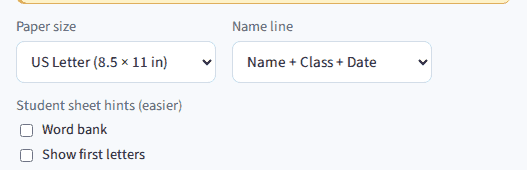
Tip: pick the Name + Class + Date name line and write a small 1, 2, or 3 in the class box, so you know which version each student had without labeling the levels on the page.
Step 5: Print one answer key
Click Answer key PDF. The key never shows hints or the free-plan footer, and it matches all three versions because the grid is identical.
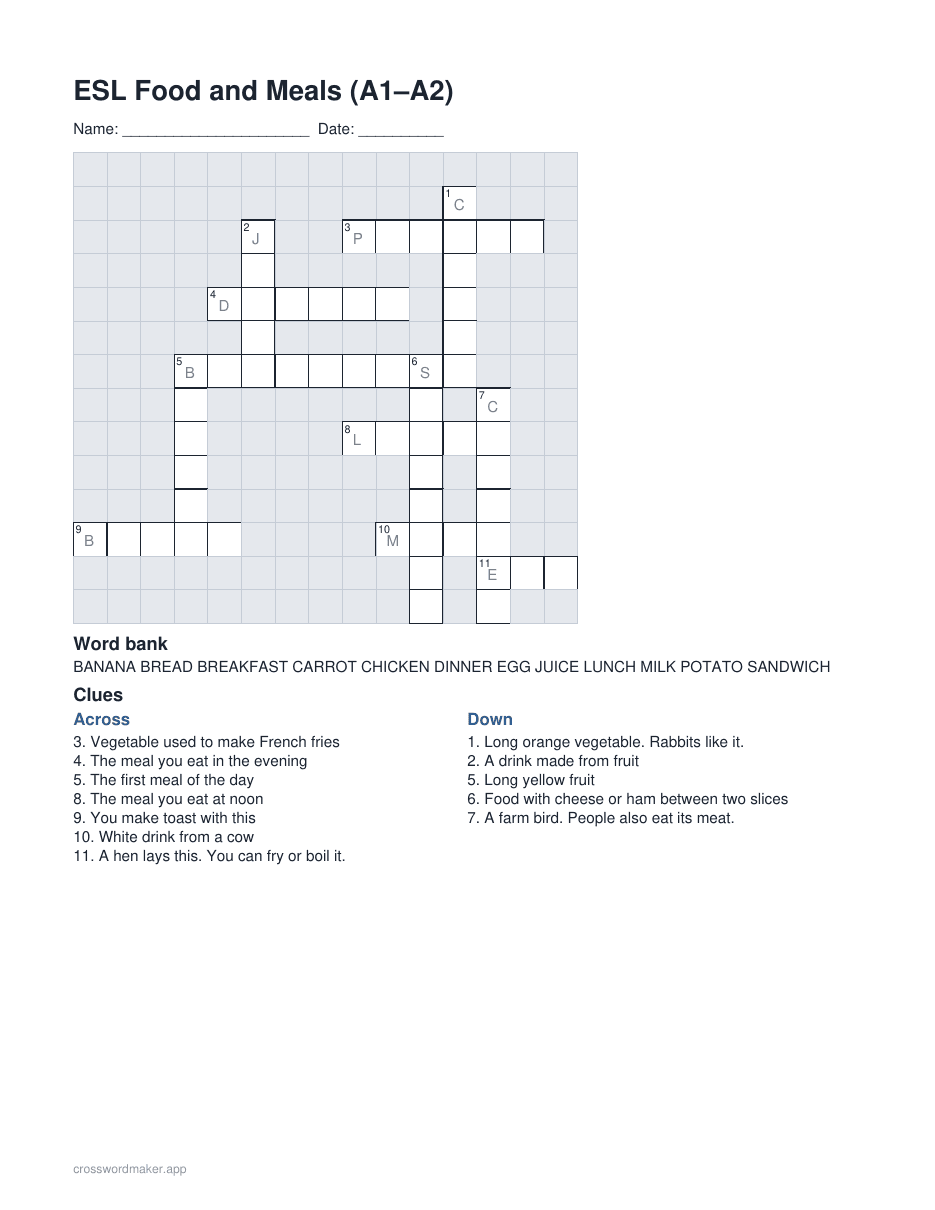
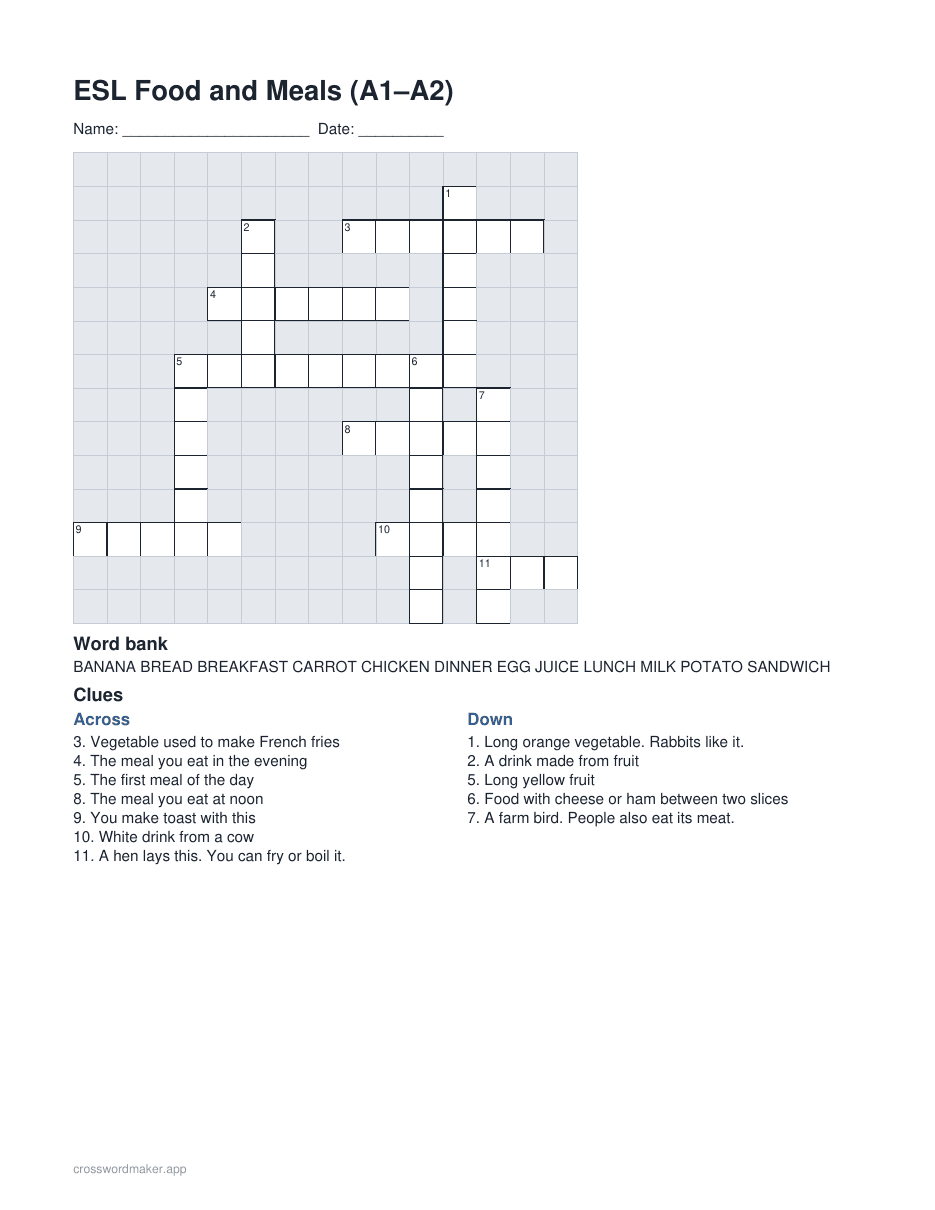
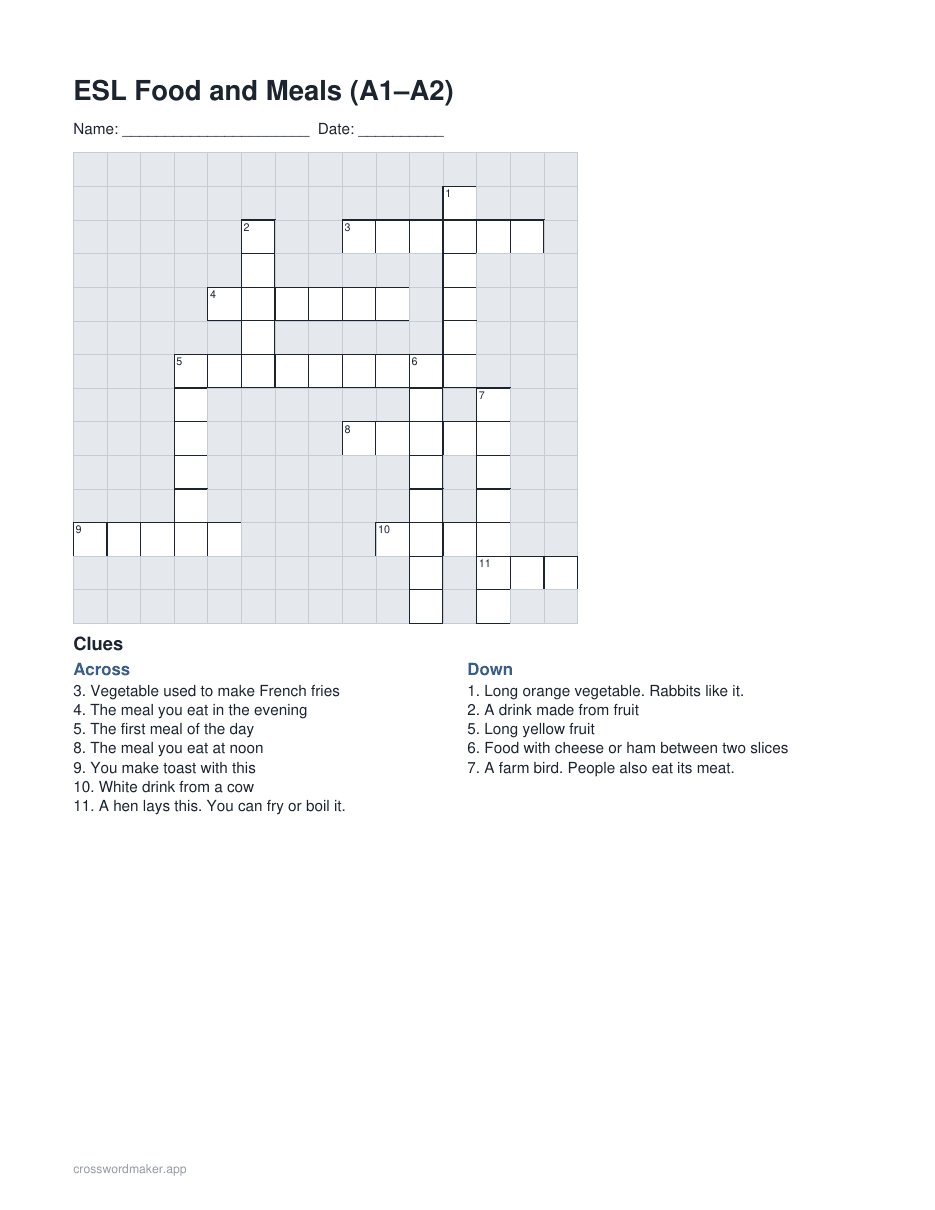
Free sample set: ESL food and meals (A1–A2)
Twelve words (breakfast, lunch, dinner, bread, milk, egg, chicken, banana, carrot, juice, sandwich, potato) in three versions with one answer key, US Letter. Clues are in simple English and were reviewed by our team on November 20, 2026.
Download PDF
Download PDF
Download PDF
More ways to differentiate the same puzzle
- Pair work: a Level 1 learner and a Level 3 learner solve together; the bank becomes a conversation prompt.
- Picture support: on Level 1 sheets, draw or paste small pictures next to the word bank.
- Online practice first: share a play link so learners can press Check, then do Level 3 on paper. See how share links work.
- Different grids: an Activity Pack makes versions A, B, and C of one list with different layouts, each with its own key. See pricing.
Ready-made ESL lists to start from: food, family members, clothes, daily routines, or the full ESL examples.